
How to Remove Negative Search Results from Google (Step-by-Step Guide)
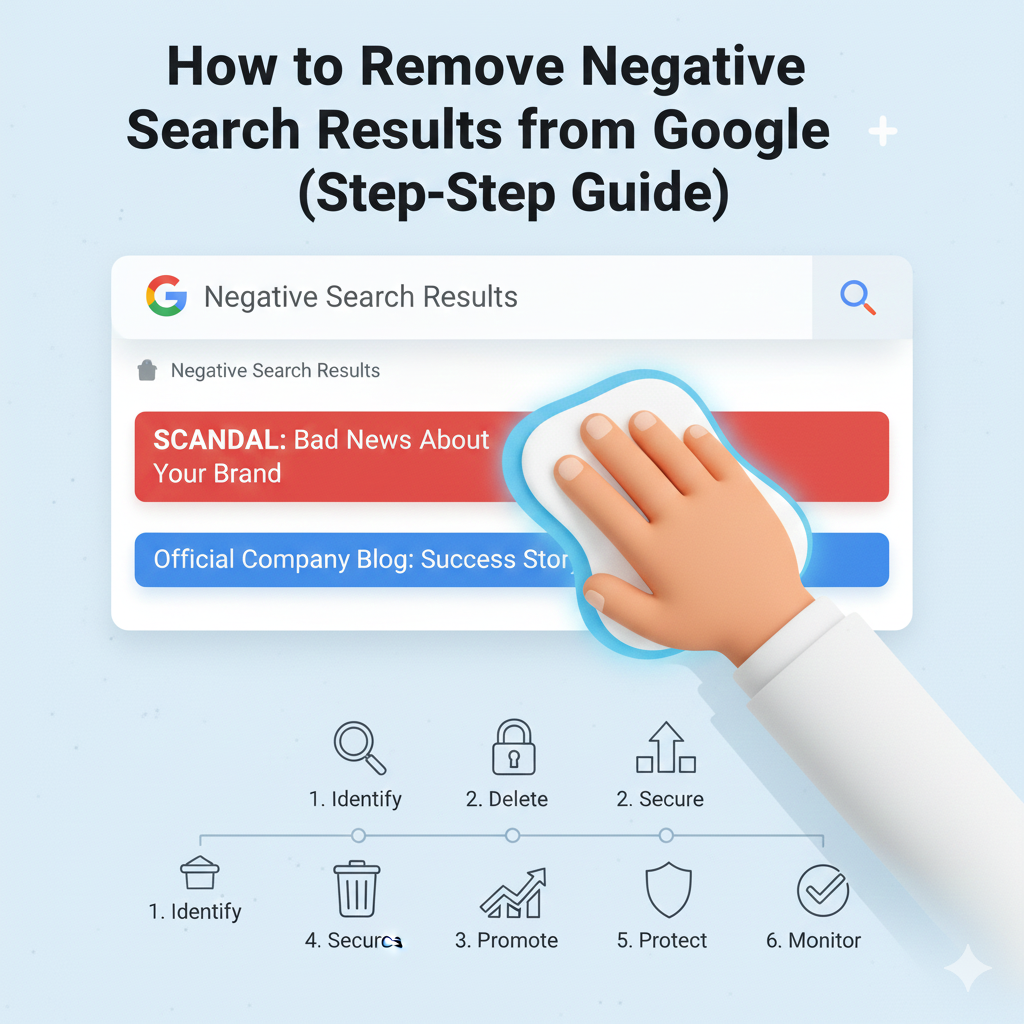
Negative search results can seriously damage your personal or business reputation. Whether it’s an outdated article, an unfair review, or harmful content published by a third party, seeing it on Google can be stressful and frustrating. The good news is that you can take action. While not every link can be removed, there are proven strategies to suppress, replace, or eliminate damaging content. This step-by-step guide will help you understand exactly how to remove negative search results from Google and regain control of your online image.
Step 1: Identify All Harmful Search Results
Start by searching your name, business, brand, or relevant keywords on Google. Write down every negative result you want to remove or push down. Pay attention to:
- Negative news articles
- Bad reviews
- Forum posts
- Blog mentions
- Outdated pages
- Personal information leaks
- Defamatory or false content
This list will help you choose the right removal strategy for each type of link.
Step 2: Determine Whether the Content Violates Google’s Policies
Google allows users to request removal of certain types of harmful pages. Review Google’s removal policies to see if the content qualifies. Google may remove results that contain:
- Personal data (home address, phone number, ID numbers)
- Explicit images posted without permission
- Financial or medical information
- Content enabling doxxing, harassment, or identity theft
- Copyright violations
- Highly offensive or illegal material
If the negative content meets any of these criteria, you can request removal directly through Google.
Step 3: Submit a Google Removal Request
If the harmful content violates Google’s policies, submit a request using:
- Google Content Removal Tool
- Google Legal Request Form
- Google Defamation or Privacy Forms
These tools allow you to request the removal of specific URLs from search results. Keep in mind that Google removes search results, not the content itself. The content may still exist on the original website even after removal from Google.
Step 4: Contact the Website Owner Directly
If Google cannot remove the content, the next best option is to request removal from the website owner or publisher. Here’s how:
- Locate the site’s contact page or “About” section.
- Send a polite, factual removal request explaining why the content is harmful or outdated.
- Provide any supporting evidence, such as legal documents or proof of inaccuracies.
- Follow up if needed, but remain professional.
Website owners have the power to update, edit, or fully delete the content — which automatically removes it from Google after the page is gone.
Step 5: Use Legal Options When Necessary
If the content is defamatory, false, or malicious, you may have legal rights to demand removal. Legal strategies include:
- Sending a cease-and-desist letter
- Filing a defamation complaint
- Requesting a court order to enforce removal
Once legal removal is complete, Google can also de-index the content using a legal removal request.
Step 6: Push Down Negative Results with Positive Content
If the negative search results cannot be removed, the most effective solution is search result suppression. This involves pushing harmful links off the first page by publishing strong, SEO-optimized positive content. Examples include:
- Personal or business websites
- Blogs and articles
- Press releases
- Social media profiles
- Guest posts
- Business directory listings
Google ranks fresh, authoritative content higher, which naturally pushes older negative links down.
Step 7: Optimize Your Online Profiles for Better Ranking
Claim and update all major online profiles to dominate your search results:
- Facebook Pages
- Google Business Profile
- YouTube
- Industry-specific directories
Add consistent information, keywords, images, and links to strengthen your online authority and improve search rankings.
Step 8: Encourage Positive Reviews and Mentions
If negative reviews appear in search results, balance them with genuine positive feedback. Invite satisfied customers to share their experiences on:
- Trustpilot
- Yelp
- Industry platforms
Authentic positive reviews quickly transform public perception and improve your overall online image.
Step 9: Monitor Your Online Reputation Regularly
Use reputation monitoring tools to track new mentions and stay alert when negative content appears. Tools like:
- Google Alerts
- BrandWatch
- Mention
- SEMrush
- Ahrefs
Monitoring allows you to act fast before harmful content gains visibility or traction.
Step 10: Work with an Online Reputation Management (ORM) Expert
Sometimes negative content is too damaging or widespread to handle alone. ORM specialists use advanced strategies like:
- Search suppression
- Digital PR
- High-authority content placement
- Review management
- Crisis control
- Brand monitoring
Professionals can often remove or bury harmful content far faster than DIY methods.
Final Thoughts
Removing negative search results from Google requires a combination of strategy, patience, and consistent effort. Whether you’re dealing with unfair reviews, outdated articles, or harmful personal information, following this step-by-step guide can help you regain control of your online reputation. And if the situation is severe, partnering with an ORM expert ensures faster, more effective results—helping you rebuild trust, credibility, and confidence in your digital presence.